ART-NET TOOLS
Hutchinson Creative 2025
Overview
Six powerful command-line utilities for working with Art-Net (DMX over Ethernet) protocol.
Freeware License: These tools are provided free of charge for personal use. Source code is not included with the distribution.
Art-Net™ Designed by and Copyright Artistic Licence Engineering Ltd. Learn more about the Art-Net protocol specification.
Programs
Six tools for complete Art-Net control:
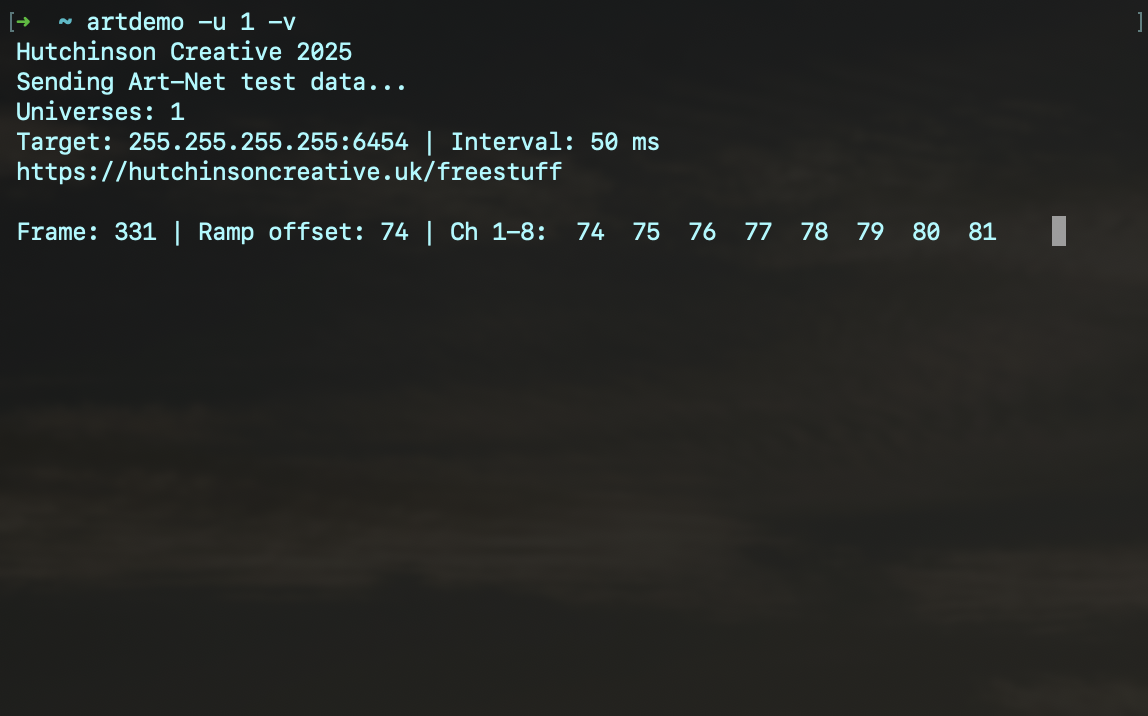
Generate and transmit Art-Net test data.
- Send test ramp patterns to specified universes
- Broadcast to all universes with -a flag
- Configurable frame rate and packet count
- Custom target IP address support
- Verbose mode (-v) shows real-time status updates with frame count, ramp offset, and channel values
$ artdemo -a # Send to all universes
$ artdemo -u 1 -u 3 -i 25 # Send to universes 1 & 3 at 40fps
$ artdemo -u 1 -v # Send to universe 1 with verbose status
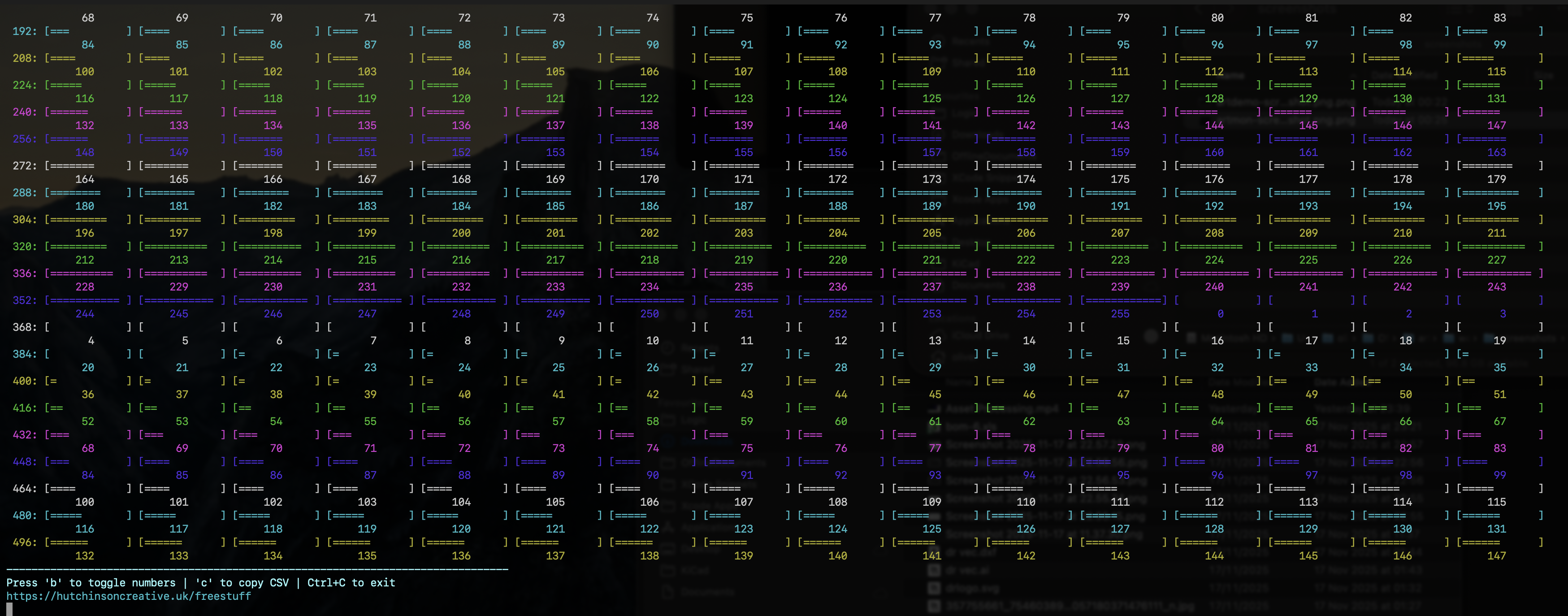
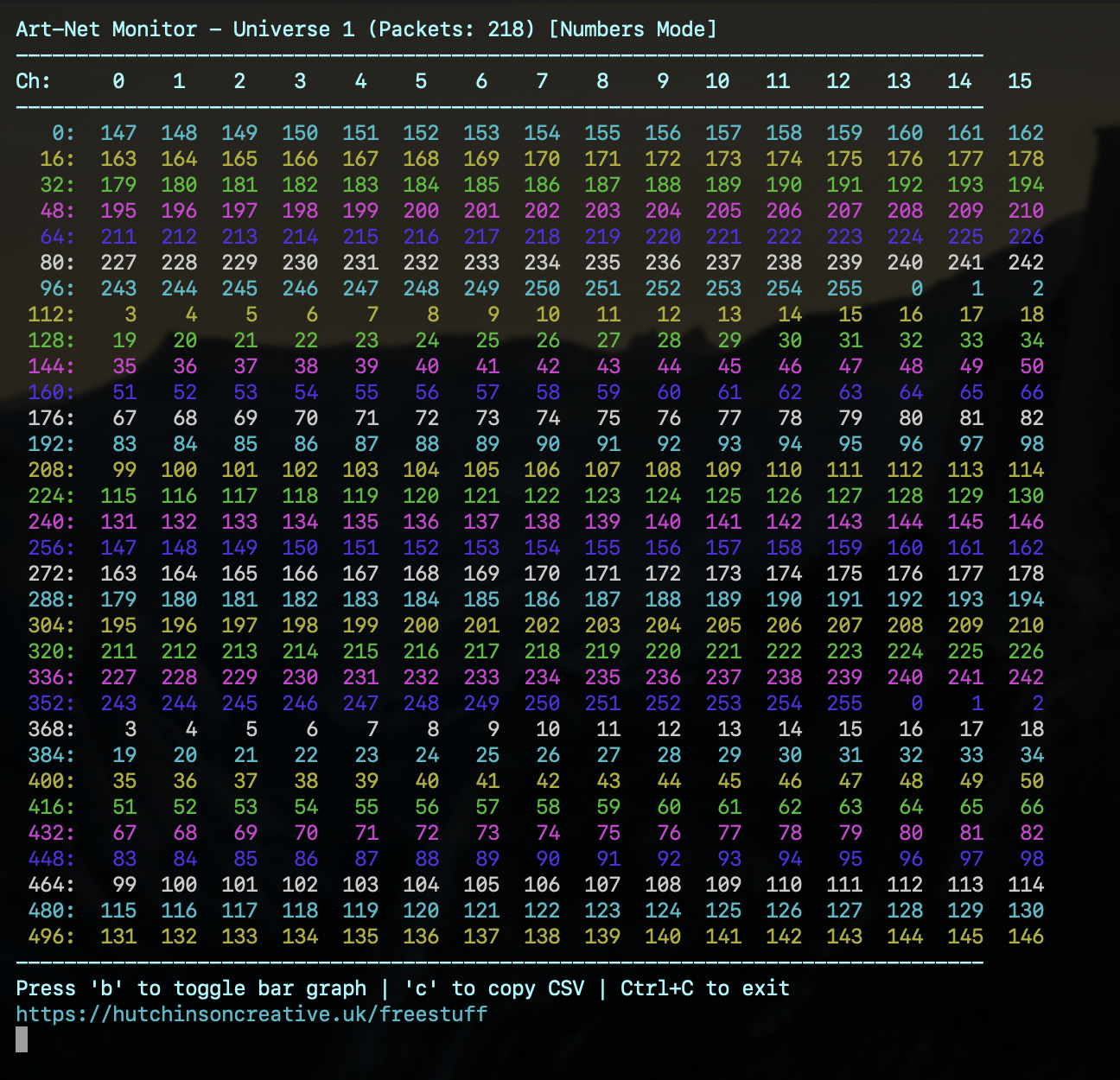
Real-time Art-Net monitor.
- Real-time DMX channel monitoring
- Two display modes: Numbers and Bar Graph (toggle with 'b')
- Color-coded rows for easy reading
$ artmon -a # Monitor all universes
$ artmon -u 2 -n # Monitor universe 2, no colors
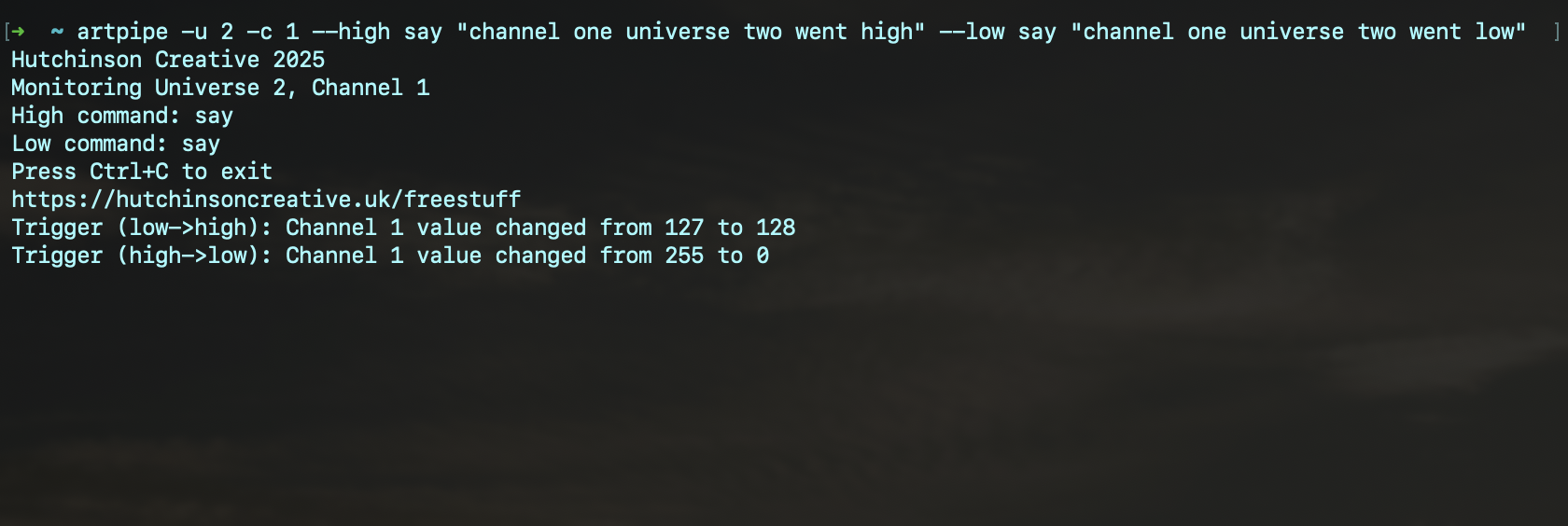
Event-driven command execution based on DMX value changes. Automate your lighting workflows.
- Execute commands on DMX threshold crossings
- Dual command mode: separate commands for high→low and low→high
- Single command mode with trigger types: high, low, nz
- Variable formatting mode (-v): expand variables in command arguments
- Runs every time transition occurs (not just once)
- Perfect for automation and integration
Variable Formatting (-v mode):
%%U or $U - Universe number
%%V or $V - Current DMX value
$ artpipe -u 0 -c 5 -t nz -- /path/to/script.sh
$ artpipe -u 2 -c 10 --high /usr/local/bin/light-on.sh --low /usr/local/bin/light-off.sh
$ artpipe -u 2 -c 1 -v say "channel %%C universe %%U is %%V"
$ artpipe -u 1 -c 1 -v --high echo "Value: $V" --low echo "Value: $V"
$ artpipe -u 1 -c 1 -v echo "A new value was received: $V" >> artlog.txt
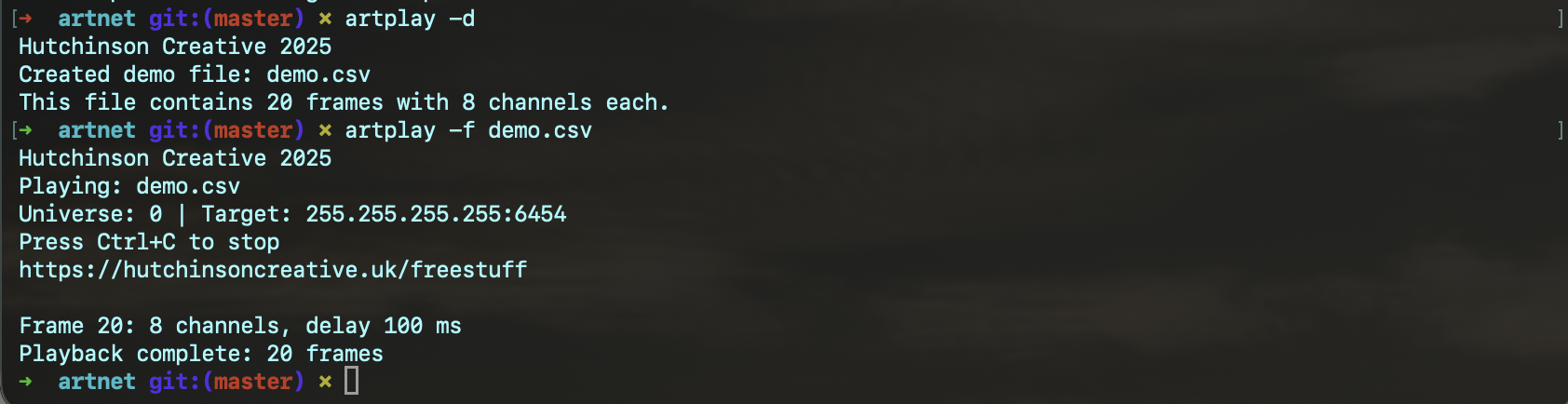
Play pre-recorded Art-Net sequences from CSV files.
$ artplay -d [output_file.csv]
- Play Art-Net sequences from CSV files
- CSV format: first column = delay (ms), remaining columns = channel values
- Frames played in row order with timing respected
- Generate demo CSV file with -d flag
$ artplay -f sequence.csv -u 1 # Play sequence on universe 1
$ artplay -f show.csv -u 0 -t 192.168.1.100 # Play to specific IP
CSV Format Example:
100,0,255,0,0,0,0,0 # Frame 2: 100ms delay, channel 2=255
50,0,0,255,0,0,0,0 # Frame 3: 50ms delay, channel 3=255
Record Art-Net sequences to CSV files. Capture live DMX data and save it for playback with artplay.
- Record live Art-Net data to CSV format (compatible with artplay)
- Automatic timing - calculates delays between recorded frames
$ artrec -f show.csv -u 0 -m 50 # Record with 50ms minimum delay
$ artrec -f capture.csv -a # Record all universes
$ artplay -f recording.csv -u 1 # Play back the recording
Pipe data to Art-Net! Convert any text input into DMX values and send them to your lighting rig. The perfect bridge between command-line tools and your lights.
- Reads from stdin - pipe any data source
- Always attempts to convert input: numbers parsed directly, ASCII characters converted to byte values
- Supports comma-separated, space-separated, or newline-separated values
- Automatically maps values to consecutive channels
- Verbose mode (-v) shows conversion details and warnings
- Perfect for integrating with scripts, sensors, or other tools
- Each line of input is sent as a separate frame
$ echo 1,2,3 | pipenet -u 1 -c 3 # Send 1,2,3 to channels 3,4,5
$ echo "hello" | pipenet -u 1 -c 1 # Send ASCII: 104,101,108,108,111
$ echo "A,100,B" | pipenet -u 1 -c 1 # Mixed: A=65, 100, B=66
$ cat values.txt | pipenet -u 0 -c 1 # Send each line from file
$ cat | pipenet -u 1 -c 1 # Interactive: type lines, press Enter
$ cat | pipenet -u 1 -c 1 -v # Interactive with verbose details
$ sensors | grep temp | awk '{print $2}' | pipenet -u 1 -c 10 # Temperature to lights!
Interactive Mode
Use cat | pipenet for interactive input. Type lines and press Enter - each line is sent as Art-Net data:
# Type "hello" and press Enter → sends ASCII values
# Type "255,128,0" and press Enter → sends RGB values
# Press Ctrl+D to exit
Features
- Zero Dependencies - Pure C, no external libraries required
- Lightweight - Small binaries, fast execution
- Terminal Native - Perfect for automation and scripting
- Protocol Compliant - Implements Art-Net protocol specification for reliable DMX over Ethernet
System Requirements
macOS 10.13+ (High Sierra or later)
Network interface with UDP support
Art-Net compatible lighting equipment (optional, for testing)
For more information about Art-Net protocol and compatible devices, visit the official Art-Net website.
License & Support
Freeware License: These tools are provided free of charge for personal use. Source code is not included with the distribution.
Commercial Use: For commercial use, please get in touch to discuss licensing options.
Donations: If you find these tools useful, donations are greatly appreciated to support continued development and maintenance.
No Warranty: These tools are provided "as is" without warranty of any kind. Use at your own risk.
Quick Start
$ open hutchnet-installer.dmg
$ # Terminal 1: Generate test data
$ artdemo -u 1
$ # Terminal 2: Monitor the data
$ artmon -u 1
$ # Terminal 3: Record the data
$ artrec -f recording.csv -u 1
$ # Press 'b' in artmon to toggle display modes
$ # Press 'c' in artmon to copy data to clipboard
$ # Press Ctrl+C in artrec to stop recording